
Why Digital Marketing Training Is Important for Students and Working Professionals
November 10, 2026
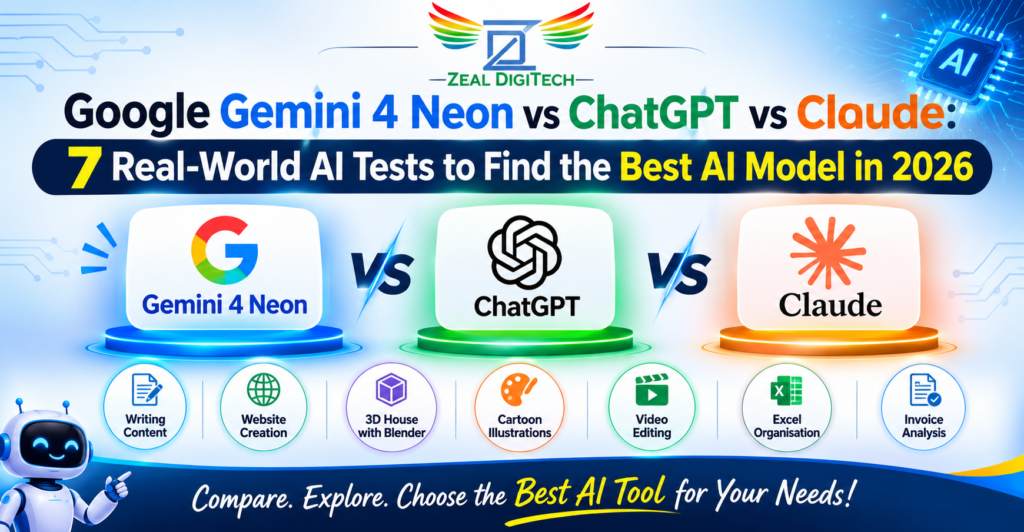
Google Gemini 4 Neon vs ChatGPT vs Claude: 7 Real-World AI Tests to Find the Best AI Model in 2026
November 21, 2026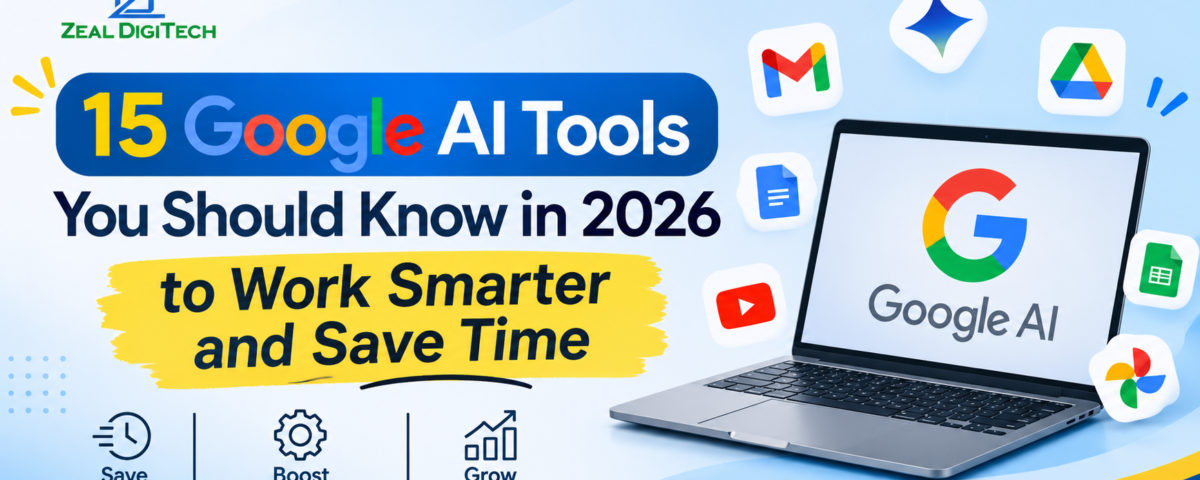
Artificial Intelligence (AI) is changing the way people work, learn, communicate, and manage their businesses. From writing content and creating images to analysing data and developing websites, AI tools are helping people complete everyday tasks more quickly and efficiently.
Google is one of the leading technology companies investing in AI innovation. In 2026, Google offers a growing collection of AI-powered tools designed for students, business owners, digital marketers, content creators, developers, and working professionals.
Whether you want to write better content, prepare presentations, automate repetitive tasks, conduct research, or develop applications, Google AI tools can make your work easier.
The best part is that many of these tools offer free access or free usage options, although some advanced features require a paid subscription.
In this guide, Zeal DigiTech explores 15 Google AI tools you should know in 2026 and explains how they can help you save time, improve productivity, and work smarter.
What Are Google AI Tools?
Google AI tools are applications and services powered by artificial intelligence and machine learning. They are designed to understand information, generate content, analyse data, answer questions, and assist users with different professional and personal tasks.
These tools can help you:
- Generate blog posts, emails, and social media content.
- Create images, videos, and presentations.
- Research information and summarise documents.
- Analyse business data and spreadsheets.
- Write and improve computer code.
- Automate repetitive tasks.
- Improve communication and teamwork.
Instead of spending hours completing everything manually, you can use AI to handle certain time-consuming activities and focus on more important work.
15 Google AI Tools You Should Know in 2026
Let’s explore some useful Google AI tools and understand how they can improve your daily workflow.
1. Google Gemini – Your Everyday AI Assistant
Google Gemini is one of the most useful AI assistants for everyday tasks. It helps users generate ideas, write content, answer questions, understand complex topics, and solve problems.
Whether you are a student, business owner, or digital marketer, Gemini can support different types of work.
Key Features:
- Generate blog ideas and website content.
- Write professional emails and business messages.
- Summarise long documents.
- Brainstorm marketing strategies.
- Help with research and learning.
- Generate and edit images.
How It Saves Time: Instead of starting every task from scratch, you can provide Gemini with clear instructions and receive a useful starting point within seconds.
2. Gemini Notebook – Smarter Research and Learning
Gemini Notebook, formerly known as NotebookLM, is an AI-powered research assistant that helps users understand information from their own sources.
You can add documents, PDFs, notes, and other supported sources to create a knowledge base. The tool can then answer questions based on your uploaded information.
Key Features:
- Summarise long documents.
- Generate audio and video overviews.
- Create study materials and summaries.
- Organise research information.
- Answer questions using your selected sources.
How It Saves Time: Students can understand study materials more easily, while businesses can organise reports, research documents, and important company information in one place.
3. Google AI Mode – Search Information More Naturally
Google AI Mode makes searching for information more interactive. Instead of depending only on traditional search results, users can ask detailed questions and explore topics through AI-powered responses.
It is useful when you want to understand a topic, compare different options, or explore a question in greater detail.
Key Features:
- Understand complex search questions.
- Explore topics through follow-up questions.
- Discover useful information from multiple sources.
- Compare products and ideas.
- Explore information using natural language.
How It Saves Time: It helps users explore complicated topics without manually opening and reviewing every search result.
4. Google AI Studio – Build and Experiment with AI
Google AI Studio is a platform where developers and beginners can experiment with Google’s Gemini models and build AI-powered applications.
It provides an environment to test prompts, explore model capabilities, and work with the Gemini API.
Key Features:
- Experiment with Gemini models.
- Test different prompts.
- Build AI-powered applications.
- Work with text, images, and other supported inputs.
- Explore API integration.
How It Saves Time: Developers can test ideas and create AI prototypes without building everything from the beginning.
5. Gemini API – Add AI to Your Applications
The Gemini API allows developers to integrate Google’s AI capabilities into their own websites, software, and applications.
It is particularly useful for businesses that want to create customised AI experiences.
Key Features:
- Integrate Gemini models into applications.
- Build AI chatbots.
- Process and understand different types of content.
- Automate certain workflows.
- Develop customised AI solutions.
How It Saves Time: Businesses can automate selected processes and introduce AI-powered features into their existing digital platforms.
6. Google Antigravity – AI-Powered Development
Google Antigravity is an AI-powered development environment designed to help developers work with AI agents.
It supports coding workflows, allowing agents to assist with writing, testing, and developing software.
Key Features:
- AI-assisted coding.
- Support for development tasks.
- Agent-based workflows.
- Code testing and improvements.
- Application development support.
How It Saves Time: Developers can delegate suitable coding tasks to AI agents and spend more time reviewing and improving their projects.
7. Gemini Code Assist – Make Coding Easier
Gemini Code Assist is an AI coding assistant that helps developers write, understand, and improve code.
It can provide suggestions, explain code, and support software development workflows.
Key Features:
- Generate code suggestions.
- Explain programming concepts.
- Identify and troubleshoot coding issues.
- Help write functions.
- Support development inside compatible coding environments.
How It Saves Time: Developers can reduce repetitive coding work and find solutions to common programming problems more efficiently.
8. Jules – An AI Coding Agent
Jules is Google’s AI coding agent designed to help developers with software development tasks.
It can work with code repositories and assist with tasks such as fixing bugs, implementing changes, and preparing code updates.
Key Features:
- Assist with coding tasks.
- Help fix software issues.
- Work with GitHub repositories.
- Support code changes.
- Prepare development updates for review.
How It Saves Time: Developers can assign specific coding tasks to Jules instead of completing every step manually.
9. Google Stitch – Design Interfaces with AI
Google Stitch is an AI-powered design tool that helps users create user interface designs using text descriptions and visual references.
It can be useful for designers, developers, and businesses planning websites or mobile applications.
Key Features:
- Generate UI designs from prompts.
- Create website and app layouts.
- Explore different design ideas.
- Develop visual prototypes.
- Support design-to-development workflows.
How It Saves Time: You can turn an initial idea into a visual interface concept without designing every element manually.
10. Google Opal – Create Small AI Applications
Google Opal is a no-code AI tool that helps users create mini-applications and workflows using natural language instructions.
It is useful for people who want to experiment with AI applications without having advanced programming knowledge.
Key Features:
- Build small AI-powered applications.
- Create workflows using prompts.
- Connect different steps in a process.
- Experiment with automation.
- Develop simple interactive experiences.
How It Saves Time: You can turn a simple idea into a working prototype without spending hours writing code.
11. Google Pomelli – AI for Marketing Content
Google Pomelli is an AI-powered marketing tool designed to help businesses create marketing content that matches their brand identity.
It can be particularly helpful for small businesses and marketing teams that regularly create promotional content.
Key Features:
- Generate marketing campaign ideas.
- Create brand-related content.
- Support social media marketing.
- Develop promotional creative concepts.
- Help maintain consistent brand communication.
How It Saves Time: Businesses can speed up their marketing planning and content creation process.
12. Google Flow – Create Videos with AI
Google Flow is an AI-powered creative video tool designed to help users develop visual stories and video content.
It is useful for filmmakers, video creators, and marketing professionals who want to experiment with AI-generated visuals.
Key Features:
- Create AI-generated video scenes.
- Develop visual storytelling ideas.
- Refine video content.
- Experiment with creative directions.
- Support AI-powered filmmaking workflows.
How It Saves Time: Creators can explore video concepts and produce visual material more efficiently.
13. Google Whisk – Create Images from Visual Ideas
Google Whisk is an experimental AI image creation tool that allows users to use images as visual references for generating new creative ideas.
Rather than relying entirely on written descriptions, users can provide visual inputs to guide image generation.
Key Features:
- Create images using visual references.
- Experiment with different creative concepts.
- Explore new image styles.
- Combine visual ideas.
- Support creative brainstorming.
How It Saves Time: Designers and content creators can explore multiple visual concepts without creating every design manually.
14. Google Mixboard – Organise Creative Ideas
Google Mixboard is an AI-powered visual brainstorming tool that helps users explore and organise creative concepts.
It can be useful when planning marketing campaigns, designing projects, or developing new business ideas.
Key Features:
- Organise visual ideas.
- Explore creative concepts.
- Generate and refine design directions.
- Create visual inspiration boards.
- Support brainstorming activities.
How It Saves Time: Instead of keeping ideas scattered across different documents, you can explore and organise them visually.
15. Google Vids – Create Professional Videos
Google Vids is an AI-powered video creation application within Google Workspace. It helps teams create and share videos for business communication, training, and presentations.
It is particularly useful for organisations that want to communicate information through video.
Key Features:
- Create business videos.
- Develop video storyboards.
- Use AI-assisted video creation features.
- Support team collaboration.
- Prepare training and presentation videos.
How It Saves Time: Teams can create informative videos without depending entirely on traditional video production processes.
How Can Businesses Use Google AI Tools in 2026?
Google AI tools are not limited to students and developers. They can also support businesses in improving their everyday operations.
Here are some practical examples:
1. Digital Marketing: Marketing teams can use Gemini for content ideas, Pomelli for marketing campaigns, and Whisk for creative image concepts.
2. SEO and Content Creation: Businesses can use Gemini to brainstorm blog topics, create content outlines, and simplify research. However, content should always be reviewed, fact-checked, and optimised for readers.
3. Business Communication: Gemini features in Google Workspace can help users draft emails, summarise conversations, and prepare documents.
4. Website Development: Developers can explore Google AI Studio, Antigravity, and Stitch to build applications and improve website development workflows.
5. Research and Planning: Gemini Notebook can help teams organise information, understand reports, and explore research materials.
6. Video Marketing: Google Flow and Google Vids can support businesses in developing video content for presentations, training, and promotional activities.
Are Google AI Tools Free to Use?
Many Google AI tools provide free access or limited free usage. However, their availability, features, and usage limits depend on the specific product, account type, subscription, and region.
Some advanced features may require a paid Google AI plan or developer API billing.
Before using any tool for business purposes, check its official pricing page and usage conditions.
Also, avoid uploading confidential business information or customer data without checking the relevant privacy and security policies.
Tips to Get Better Results from Google AI Tools
Simply opening an AI tool does not guarantee good results. You need to provide clear instructions and understand what you want to achieve.
Here are some practical tips:
- Write clear prompts: Explain exactly what you need from the AI tool.
- Provide context: Share relevant information about your business, audience, and goals.
- Start with small tasks: Test the tool before using it for larger projects.
- Review the results: Always check facts, grammar, and accuracy.
- Choose the right tool: Use research tools for research, design tools for creative work, and coding tools for development.
- Protect your information: Avoid sharing sensitive data without understanding the tool’s privacy settings.
Remember, AI should support your skills and decision-making rather than replace human judgement.
Conclusion
Google AI tools are making everyday work easier by helping people create content, conduct research, design visuals, develop applications, and manage different business activities.
From Google Gemini and Gemini Notebook to Google AI Studio, Pomelli, Stitch, and Google Flow, each tool offers different features for specific needs.
You do not need to use all 15 tools at once. Start with the tools that solve your current challenges and gradually explore other options as your requirements grow.
At Zeal DigiTech, we believe that combining the right technology with effective digital marketing strategies can help businesses improve their online presence, connect with their target audience, and grow in an increasingly competitive digital world.
Explore the latest digital marketing insights and solutions at Zeal DigiTech and discover smarter ways to grow your business in 2026.
Frequently Asked Questions (FAQs)
1. What are the best Google AI tools in 2026?
Some useful Google AI tools include Gemini, Gemini Notebook, Google AI Studio, Google Antigravity, Google Stitch, Google Pomelli, Google Flow, and Google Vids. The best option depends on your specific requirements.
2. Which Google AI tool is best for content writing?
Google Gemini is a useful option for generating blog ideas, creating outlines, drafting emails, and improving written content.
3. Are Google AI tools free?
Many Google AI tools offer free access or limited free usage. Some advanced features and higher usage limits require paid subscriptions.
4. Which Google AI tools are useful for digital marketing?
Gemini, Pomelli, Whisk, Google Flow, and Gemini Notebook can support content planning, marketing research, creative development, and video production.
5. Can Google AI tools help small businesses?
Yes. Small businesses can use Google AI tools for content creation, research, marketing ideas, communication, and selected workflow automation.
6. Can Google AI tools replace human professionals?
No. AI tools can assist with repetitive tasks and improve productivity, but human creativity, experience, decision-making, and quality checking remain important.